How AI Workflow Automation Is Changing Business Communications
From calls to the CRM, from meetings to action items: how AI workflow automation is changing business communications and what makes it work.
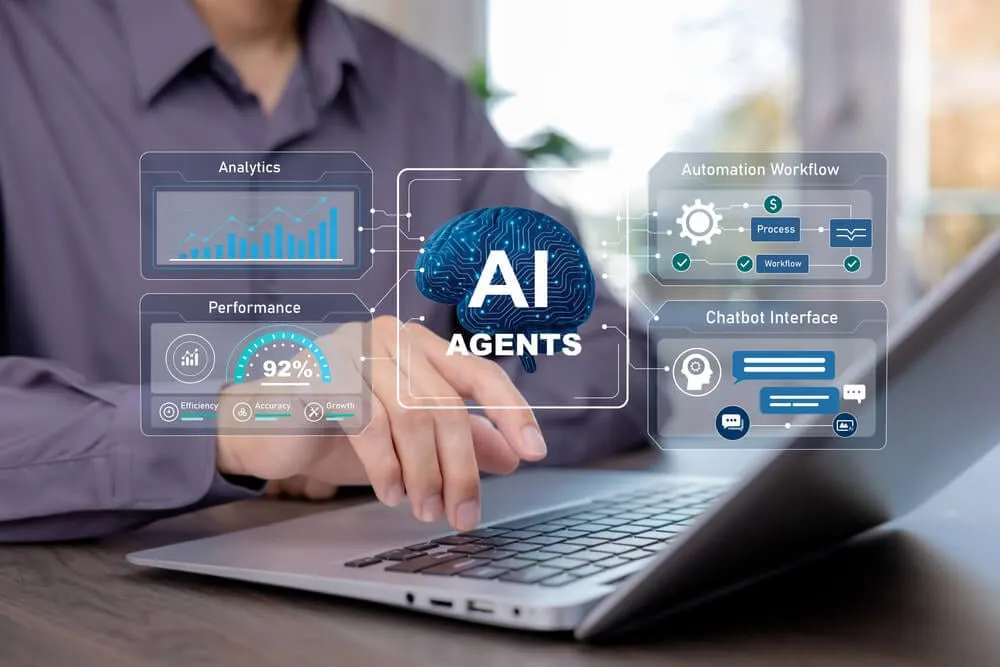
The chatbot that sat in the corner of a website a few years ago, answering a couple of billing questions, has little in common with the AI that now works inside business communications.
Modern unified communications platforms do not wait for someone to ask a question. They transcribe the call as it happens, show the agent the customer’s history, suggest the answer and prepare the summary the moment the customer hangs up.
According to several studies, most companies now use generative AI in at least one department, yet a significant share of projects fail to deliver the expected results. The reason is rarely the AI model itself: it is how the model is connected to processes and data.
From standalone assistant to AI inside the workflow
A separate AI tool, opened in another window and fed by copy and paste, creates more work than it saves. The value comes when AI sits inside the tools people already use, and each function handles a specific task in sequence with the others.
Take a support call in a contact center:
- Before answering, the agent sees the customer record with the full interaction history, even if the customer emailed or chatted in the previous days.
- During the call, real-time transcription frees the agent from note-taking, while AI suggests answers, procedures and the next best action.
- At the end of the call, the automatic summary records the outcome, the topics covered and the next steps.
The customer experiences a single, seamless conversation. The agent focuses on solving the problem rather than hunting for information. This is exactly what the AI modules of EagleMercury Contact Center do, with AI Agent Assist, real-time transcription and AI Recap.
One source of data, or the automation breaks down
One condition determines whether everything else succeeds: the data must be consistent. If each tool works from a different copy of the information, automation multiplies mistakes instead of reducing them. That is how a customer ends up with three messages quoting three different delivery dates.
This is why CRM integration matters. EagleMercury connects with Salesforce, Dynamics 365, Zoho CRM, SugarCRM, NetSuite and Zendesk, offers click-to-call from the browser and from the CRM, and provides full APIs for custom integrations. Whoever answers sees the same customer history, whatever channel the contact comes from.
Beyond the keypad menu
For years, anyone calling a company heard the same sequence: press 1 for sales, press 3 for orders, wait, then repeat everything to the agent anyway. A keypad menu is a routing tree: it does not understand what the customer actually needs and forces them to guess the right category.
That does not mean IVR should be thrown away. It remains useful for many businesses, as long as it gets smarter. EagleMercury Contact Center offers:
- custom IVR with speech recognition, so callers can say what they need instead of hunting for the right key;
- skills-based routing, which sends the call to the right person;
- transfers with the conversation context, so the customer does not have to repeat themselves;
- automatic callback instead of waiting in the queue.
And outside office hours? The phone system handles business hours, holidays and closures with day and night profiles, and voicemail messages are transcribed and forwarded by email. A professional practice or a small installation business finds the previous evening’s requests already written up in the morning, ready to be called back in order of urgency.
Hybrid work: less coordination, more substance
Hybrid work often does not remove friction, it just moves it. Time goes into finding out who is available, organizing a meeting across different offices and, above all, reconstructing what was decided in a meeting where half the attendees joined remotely.
With EagleMercury Elevate, the business number follows the person: a call started on the desk phone moves to the smartphone without dropping, and presence status shows at a glance who is available. Scheduled and recurring meetings go out with email invitations and reminders.
The biggest time saving, though, is the meeting itself. The automatic summary lists key points and action items: nobody has to volunteer to take notes, and anyone who missed the meeting gets the substance in a minute instead of listening to the whole recording.
Why integration matters more than the model
The gap between AI’s promise and real results is almost always a matter of connections. A summary is only useful if it lands in the right place, attached to the right contact and visible to the right colleague.
Companies that use one provider for telephony, another for meetings, a separate chat app and a chatbot bolted on later pay a kind of “integration tax” on every AI project. Bringing voice, video meetings, chat, SMS and file sharing into a single platform, connected to Microsoft 365, Outlook, Google Workspace and the CRM you already use, lets the AI features work with the full context.
To get off to a good start:
- Identify the repetitive tasks that take up the most time today: notes, summaries, searching for information, call routing.
- Choose one specific use case, such as first-line support, and measure the results before expanding.
- Make sure customer data lives in a single CRM connected to the platform.
- Check how recordings and transcripts are stored, in line with GDPR and your company’s policies.
In short
AI changes business communications when it stops being a separate tool and becomes part of the workflow: it transcribes, suggests, summarizes and routes, using the same data at every step. The model matters less than the integration: a single platform connected to the CRM makes the difference between an experiment and a measurable result.
Want to see how to bring automation into your company’s communications? Contact us and we will help you work out where to start.