AI Receptionist vs. Live Answering Service: Which to Choose?
AI receptionist or live answering service? Costs, availability, call peaks and use cases to help you choose between them, or combine the two.
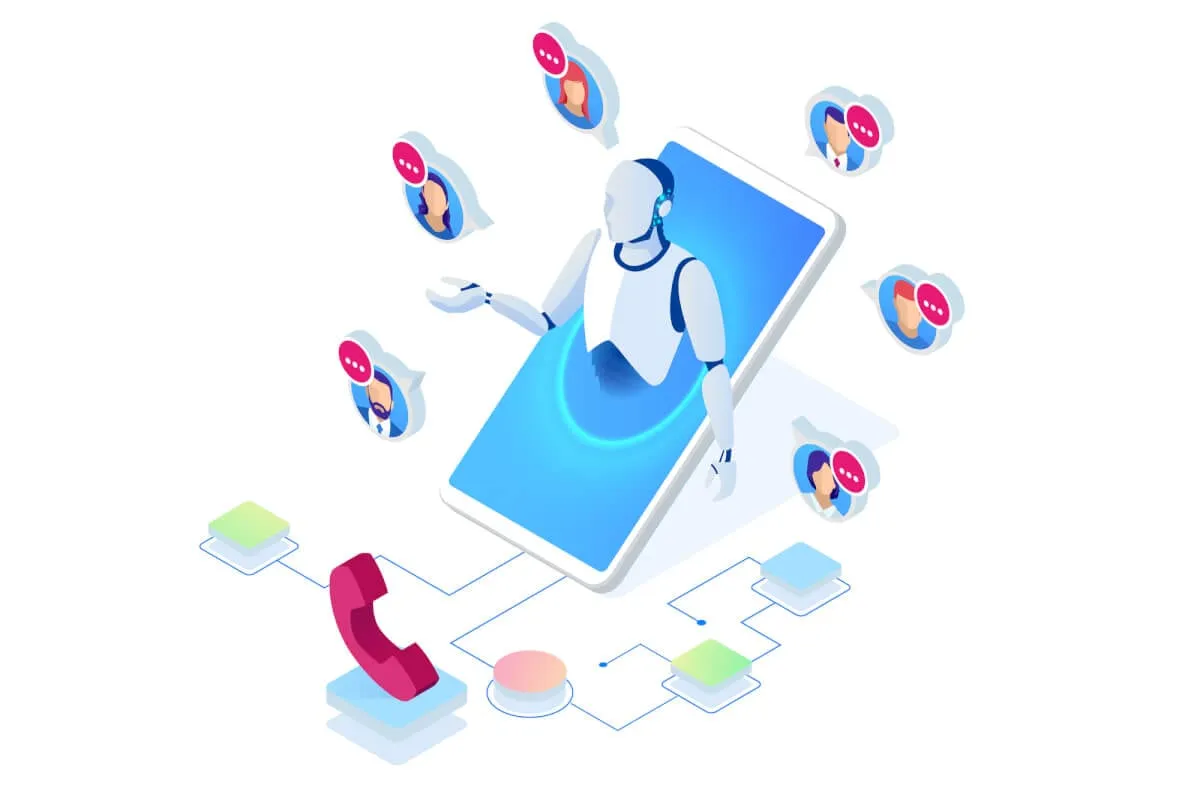
On the surface, an AI receptionist and a live answering service do the same job: they answer the phone on behalf of your company and represent your brand. But the technology, the costs and the caller experience are very different, and each works best in different situations.
The terminology in this area is easy to mix up, so let’s start with a few definitions.
What we are talking about
- AI receptionist. An automated system based on natural language processing that holds a conversation with the caller. Unlike old keypad menus (“press 1 for accounts”), it understands what the person wants even when they put it in their own words, and handles routine requests on its own, such as booking an appointment or answering frequently asked questions.
- Live answering service. A team of people, usually outside the company, who answer calls on your behalf following agreed scripts and escalation rules. Callers speak to a real person: the best choice for sensitive, emotional or high-stakes conversations.
- Virtual receptionist. A deliberately flexible term: it can mean a remote human agent, an AI platform or a solution that combines the two.
The most important change of recent years is the move from rigid menus to more natural conversations. The good news is that you don’t have to choose one or the other: a hybrid model hands simple requests to automation and passes those that need attention to people.
Comparing cost, volume and availability
There is little to argue about on cost: an automated service costs far less than a team of people dedicated to answering the phone. The real question is different: are the savings worth the difference in caller experience? To answer it, look at three factors.
Concurrent calls. A person answers one call at a time. On Monday morning, at month end or during seasonal peaks, callers end up in a queue and some of them hang up. An automated system, by contrast, handles many calls at once with the same quality.
Availability. According to several studies, for simple requests many people prefer an automated service available at any hour to waiting for the office to open. A live service can also cover evenings, weekends and public holidays, but every extra hour comes at a cost; automation never takes a break.
Emotional intelligence. This is where people win. When a caller is angry, worried or dealing with a complex situation, an agent understands, reassures and decides better than any system. And many customers expect to be able to speak to a person at any time.
In the end, the choice depends less on which option is “better” and more on the kind of requests you receive.
When to automate and when not to
If most of your calls are about appointments, opening hours, order status or simple administrative questions, automation handles high volumes well at a contained cost. Some sectors, however, call for more care.
Healthcare. This is the most obvious exception. Bookings, reminders and administrative questions lend themselves well to automation. But when a patient describes a symptom, or a parent is unsure whether to take a child to the emergency department, you need judgment, empathy and accountability that an automated system cannot take on alone. Health data is also a special category under GDPR: always check where and how conversations are processed.
Professional firms. Lawyers, accountants and consultants receive many sales calls, spam and irrelevant requests. An automated first filter sorts calls, recognizes priorities and leaves professionals only the conversations worth their time, without giving up confidentiality.
Handing over to a person is not optional. In any sector, callers appreciate automation when they choose it, not when it is forced on them. A clear, fast path to an agent is what separates an efficient service from a frustrated customer. Removing that way out risks costing you your customers’ trust.
The hybrid model with EagleMercury
With EagleMercury Elevate and its cloud phone system you build the first answering layer without any hardware to install:
- Auto attendants with multiple levels, also in several languages, with business hours, holidays and day/night profiles.
- Call queues and hunt groups, with messages on queue position and waiting time.
- Voicemail with email delivery and transcription: a request left overnight can be read in seconds the next morning.
As volumes grow, EagleMercury Contact Center adds custom IVR with speech recognition, skills-based routing and queued callbacks instead of waiting. Requests arriving via website chat, SMS and WhatsApp land in the same console. With the AI packages, agents see a summary of previous contacts, and transfers carry the context with them: customers don’t have to repeat everything from the start.
The result is a system in which automation absorbs repetitive requests and people, on site or remote, focus on the ones where they make a difference. Everything stays on a single platform, with encrypted communications and a 99.999% availability guarantee.
In short
- An AI receptionist pays off for high volumes, repetitive requests and out-of-hours coverage.
- A live answering service pays off for sensitive, complex or high-value conversations.
- For most companies the best solution is to combine them, always with an easy way to reach a person.
Want to find the right balance between automation and agents for your calls? Contact us: we will look at your call flows together and suggest the right set-up.